Navy Craft Wiki
Navy Craft is a free, fan-made rebuild of Battleship Craft for the browser. You design a warship block by block, from hull and armor to engines, guns, torpedoes, missiles and aircraft, then sail it into battle.
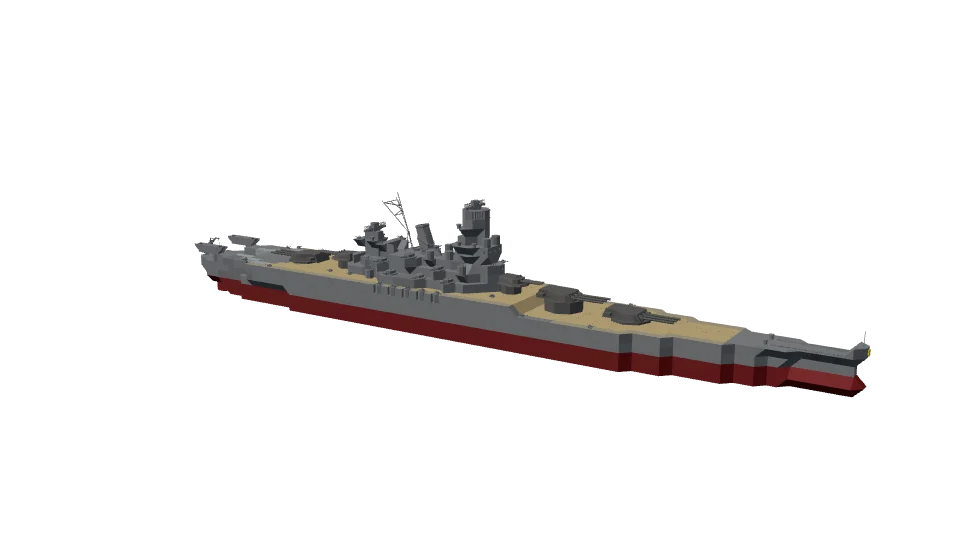
How to play
Build
- Every ship starts from hull or armor blocks. Parts must touch the ship, and guns and engines sit on hull.
- Most ships are built from 400mm lightweight armor: light enough to float, with the armor of the heavy 400mm plate.
- Engines need propellers and rudders. Power over displacement sets your top speed.
- Keep the righting arm positive (the ship sheet shows it) or the ship capsizes. Ballast low in the hull helps.
- Rangefinders and radar tighten your gun spread until they're shot away.
Fight
- Aim near an enemy to lock on: your guns lead it by the shells' flight time.
- A ship sinks when it runs out of buoyancy, not blocks: flood it below the waterline with torpedoes and plunging shells.
- AA guns and CIWS fire on their own at aircraft and missiles.
- Carriers launch their planes with L. Dive bombers, torpedo bombers and jets each attack differently.
- Missions pay funds and honor. Honor makes your guns more accurate.
Battle keys
Mouseaim; near a ship it locks on and leads the target
Spacefire guns and torpedoes
W / Sthrottle
A / Drudder
Xstop engines
Ccentre the rudder
Gfire a missile
Bdrop mines or depth charges
Llaunch or recall aircraft
Ffollow one of your planes
Pautopilot: steer, then steer and fire
Rnew battle
Draglook around
Scrolltelescope zoom towards the cursor
Shift + scrollcamera distance
Zzoom back out
Mradar range
Hshow or hide the controls
Ship designer keys
Clickplace the part
Shift + draga row of parts
Q / Eturn the part
R / Ftip it forwards or back
T / Groll it
1–5Add, Remove, Paint, Pick, Select
Msymmetry
Vgun arcs
W A S Dmove the camera
Cframe the ship
⌘Z / ⌘⇧Zundo, redo
Touch screens
Turn the ship's wheel to steer and slide the engine lever for the throttle. Hold Fire to shoot, and use the buttons beside it for missiles, depth charges, aircraft and the autopilot. Drag with one finger to look around, pinch to zoom, and tap a ship to lock on. In the designer, tap to place parts, and use Turn and Tilt to rotate them.